AI video generation has moved from a novelty to a production-ready tool category in less than two years. With dozens of platforms now competing, identifying which tools deliver consistent, usable output is harder than ever. This guide breaks down six leading AI video generators in 2026, comparing output quality, pricing, speed, and practical use cases.
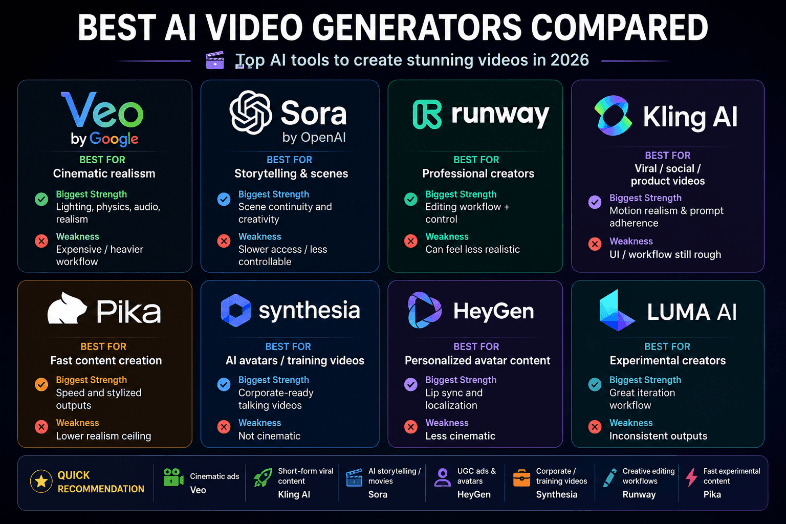
How We Evaluated These Tools
We tested each platform using identical prompts across cinematic, product, and talking-head categories. The criteria that mattered most:
- Visual fidelity: How realistic and artifact-free is the output?
- Temporal consistency: Do objects, faces, and lighting stay stable across frames?
- Prompt adherence: Does the generated video match what you actually asked for?
- Generation speed: How long from prompt submission to downloadable clip?
- Pricing transparency: What does it actually cost per minute of output?
For teams looking at how AI workflow tools are reshaping content production, the video generation space is one of the fastest-moving segments.
Google Veo 3.1
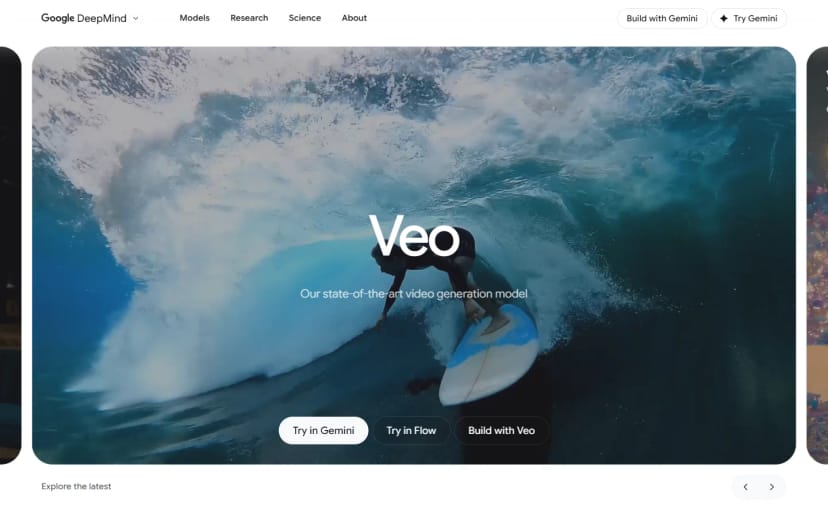
Google's Veo 3.1 tops most independent leaderboards for overall quality. The model combines video and audio generation in a single pipeline, so output arrives with synchronized sound rather than requiring a separate audio step.
Strengths:
- Highest prompt adherence scores in blind testing
- Native audio generation with lip-sync support
- Up to 8 seconds at 1080p resolution
- Strong physics simulation for realistic motion
Limitations:
- Only available through Google AI Studio and Vertex AI
- No direct consumer app with a simple interface
- Slower generation times compared to competitors (often 3-5 minutes per clip)
Veo works best for creators who need high-fidelity output and are comfortable with a more technical interface. The audio integration alone makes it worth testing for dialogue-heavy content.
Runway Gen-4.5
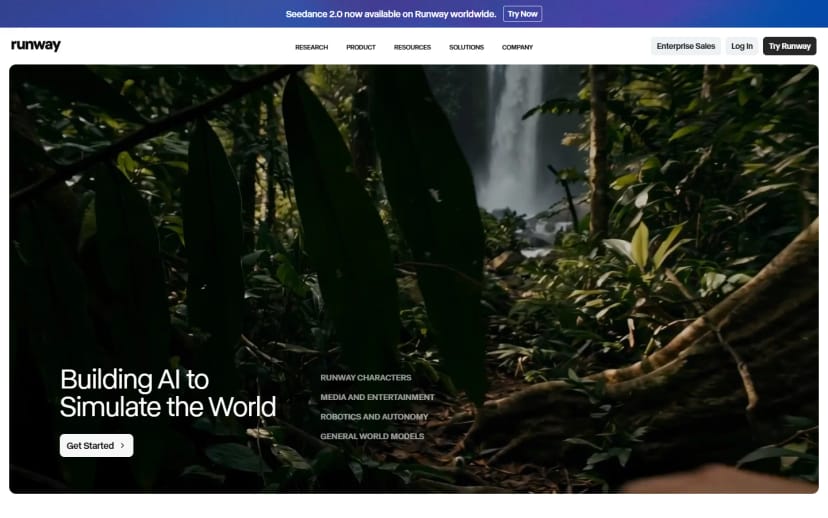
Runway has been in the AI video space longer than most competitors, and Gen-4.5 reflects that experience. The platform offers a multi-motion brush for animating specific regions of a frame and the ability to train custom models on your footage for style consistency.
Strengths:
- Precise camera controls (pan, tilt, zoom, dolly)
- Custom model training for brand consistency
- Multi-motion brush for selective animation
- Active community and extensive tutorials
Limitations:
- Premium plans required for best quality output
- 10-second maximum clip length on standard plans
- Can struggle with complex multi-character scenes
For professional video teams, Runway's control set is unmatched. If you are building an AI video workflow platform into your production pipeline, Runway's API and integration options make it a strong candidate.

Kling 3.0
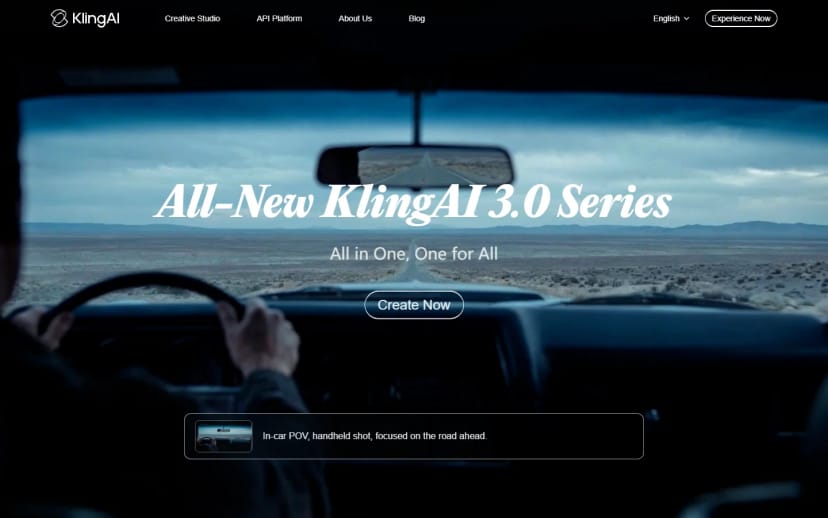
Kling 3.0 from Kuaishou has emerged as the strongest option for photorealistic human characters. Where other generators produce uncanny facial movements, Kling handles human motion with notable stability and accurate lip-sync.
Strengths:
- Best-in-class human character rendering
- Strong lip-sync and facial expression accuracy
- Fast generation times (often under 60 seconds)
- Competitive pricing at roughly $0.02 per second of output
Limitations:
- Less effective for abstract or artistic styles
- English-language documentation is still catching up
- Limited camera control compared to Runway
Kling is the pick for content centered on human presenters or characters. The speed advantage is meaningful when you need to iterate quickly.
Luma Dream Machine (Ray3)

Luma's Ray3 model, accessible through Dream Machine, targets creative-first users. The output leans toward a cinematic, film-stock quality that appeals to independent filmmakers. Image-to-video conversion is a standout feature, letting you animate still photographs with natural motion.
Strengths:
- Distinctive cinematic visual quality
- Strong image-to-video capabilities
- Generous free tier for testing
- Clean, intuitive interface
Limitations:
- Lower maximum resolution than Veo or Runway
- Physics simulation can be inconsistent
- Smaller ecosystem of integrations
The way AI image generation tools have matured over the past year directly feeds into Luma's strengths. Creating a still image with a dedicated generator, then animating it through Dream Machine, often produces better results than text-to-video alone.
Pika 2.5
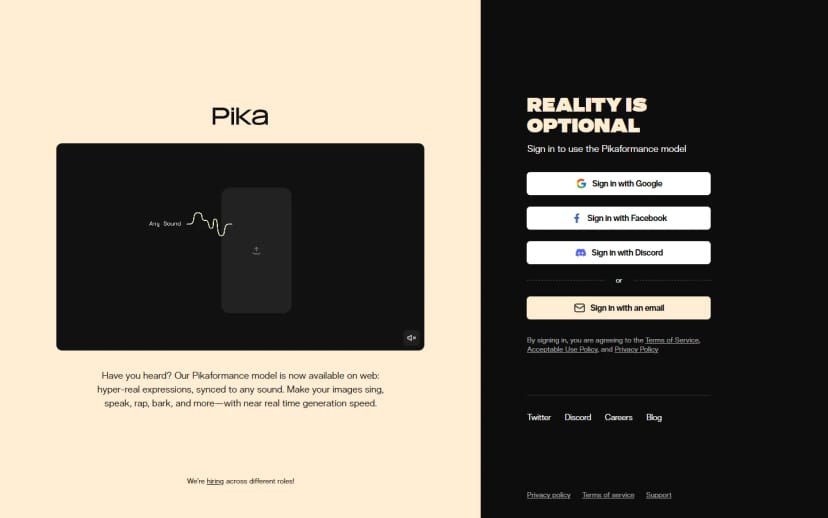
Pika has carved out a niche as the most accessible entry point for casual video generation. The interface is straightforward, generation is fast, and Pika 2.5 introduced scene-level editing that lets you modify specific elements within a clip without regenerating it entirely.
Strengths:
- Fastest average generation time in this roundup
- Scene-level editing and object modification
- Low barrier to entry for beginners
- Sound effects generation built in
Limitations:
- Output quality a step below Veo or Runway for cinematic work
- 5-second maximum on free plan
- Limited professional export options
Pika works well for social media content, quick prototypes, and creators who prioritize speed and volume over maximum fidelity.
Synthesia

Synthesia occupies a different space than the other tools here. Rather than generating cinematic video from text prompts, it focuses on AI avatar presentations. You write a script, choose a digital presenter, and the platform generates a talking-head video with lip-sync in over 140 languages.
Strengths:
- Purpose-built for corporate training and communication
- 140+ language support with automatic lip-sync
- Custom avatar creation from a short recording
- Consistent, repeatable output quality
Limitations:
- Not designed for creative or cinematic content
- Output has a recognizable "corporate AI video" look
- Higher price point than general-purpose generators
For enterprise teams producing training materials or multilingual product demos, Synthesia remains the most efficient option.
Comparison Table
| Tool | Max Resolution | Max Length | Avg. Speed | Audio | Best For |
|---|---|---|---|---|---|
| Google Veo 3.1 | 1080p | 8s | 3-5 min | Yes (native) | Overall quality |
| Runway Gen-4.5 | 4K | 10s | 1-3 min | No | Creative control |
| Kling 3.0 | 1080p | 10s | ~60s | Yes (lip-sync) | Human characters |
| Luma Ray3 | 720p | 5s | 1-2 min | No | Cinematic style |
| Pika 2.5 | 1080p | 5s | ~30s | Yes (SFX) | Speed and accessibility |
| Synthesia | 1080p | Unlimited | 2-5 min | Yes (TTS) | Corporate presentations |
Edit & Polish Your Videos with AI video generator
Most AI video generators are great at creating clips, but you’ll still need a good editor to turn them into content ready for TikTok, Reels, or YouTube Shorts. That’s where AI video generator comes in.
You can quickly add subtitles, voiceovers, effects, music, resize videos for social media, and polish everything in one place without needing complicated editing software. It’s a really solid option if you want to turn raw AI-generated clips into videos that actually look ready to post.
How to Choose the Right Tool
The "best" generator depends on what you are producing:
- Corporate training: Synthesia. Nothing else competes for that use case.
- Short-form social content: Pika or Kling. Fast and affordable for high-volume production.
- Cinematic projects: Veo 3.1 for raw quality, Runway for creative control.
- Image-to-video animation: Luma Dream Machine for the most natural motion.
- Human-centric content: Kling 3.0 for character rendering and lip-sync accuracy.
For a detailed comparison of AI video tools with additional benchmarks, that resource also covers WAN 2.6 and Hailuo.
FAQ
What is the best AI video generator overall in 2026?
Google Veo 3.1 leads most benchmarks for combined video and audio quality. Runway Gen-4.5 offers more creative control, and Kling 3.0 is stronger for human-centric content. The best choice depends on your production needs.
Are free AI video generators good enough for professional use?
Several tools offer free tiers usable for social media and prototyping. Pika and Luma both have generous free plans. For broadcast-quality work, paid tiers on Runway or Veo deliver noticeably better results.
How long can AI-generated videos be?
Most generators produce clips between 5 and 10 seconds per generation. Synthesia is the exception, supporting unlimited length for avatar-based presentations. For longer content, you stitch multiple short clips in a traditional editor.
Do AI video generators produce audio?
Veo 3.1 generates synchronized audio natively. Kling 3.0 supports lip-sync audio. Pika 2.5 generates sound effects. Most other tools output silent video requiring separate audio work.
Can I use AI-generated video commercially?
Yes, all tools reviewed here allow commercial use on paid plans. Adobe Firefly additionally offers IP indemnification. Always check terms of service, as licensing varies by plan tier.
How much does AI video generation cost?
Pricing ranges from free (limited) to roughly $0.01-0.05 per second of output on paid plans. Synthesia starts at around $22/month. Runway runs $12/month with limited credits. Kling offers some of the lowest per-second costs at approximately $0.02.
Will AI video generators replace traditional video production?
Not in 2026. These tools are strongest for short-form content, prototyping, and specific formats like corporate presentations. Traditional production still delivers superior results for long-form narrative and live-action. AI generation is a new layer in the production toolkit, not a replacement.
Conclusion
No single tool wins across every use case in 2026. Veo 3.1 leads on raw quality, Runway on creative control, Kling on human realism, and Synthesia on corporate efficiency. Test two or three options against your actual production requirements rather than committing based on benchmarks alone. Costs are dropping, quality is improving, and the tools that survive will be those that integrate most smoothly into existing workflows.