Introduction
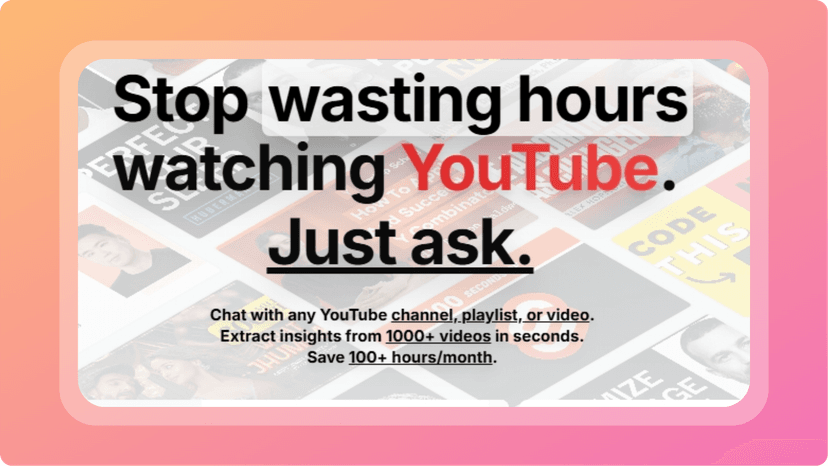
If you create content regularly—YouTube, playlists, educational videos—getting transcripts, summaries, or analyzing what's in your videos can become a real time sink. I stumbled on Transcribr when I was looking for a better workflow: grab transcripts in bulk, chat with them, extract insights, maybe flag some interesting content. After using it over a few projects, it’s become one of the more useful tools in my stack. It’s not perfect, but it speeds up what used to take me hours into minutes.
What is Transcribr?
Transcribr is a web-based AI tool that helps you bulk-extract transcripts from YouTube videos, playlists, or channels, and then analyze those transcripts using AI-powered chat and summary features. Export formats like TXT or JSON are supported. The idea is to let creators, researchers, or anyone who works with video content get text out and use it: summaries, data extraction, research, content repurposing, etc.
It’s especially helpful if you're working with many videos at once (e.g. dozens of videos in a playlist) or want to quickly scan what’s being said without rewatching or manually transcribing. The “chat with transcript” feature is particularly handy—it feels like you can ask questions about the video content and get useful responses rather than doing everything manually.
How It Works
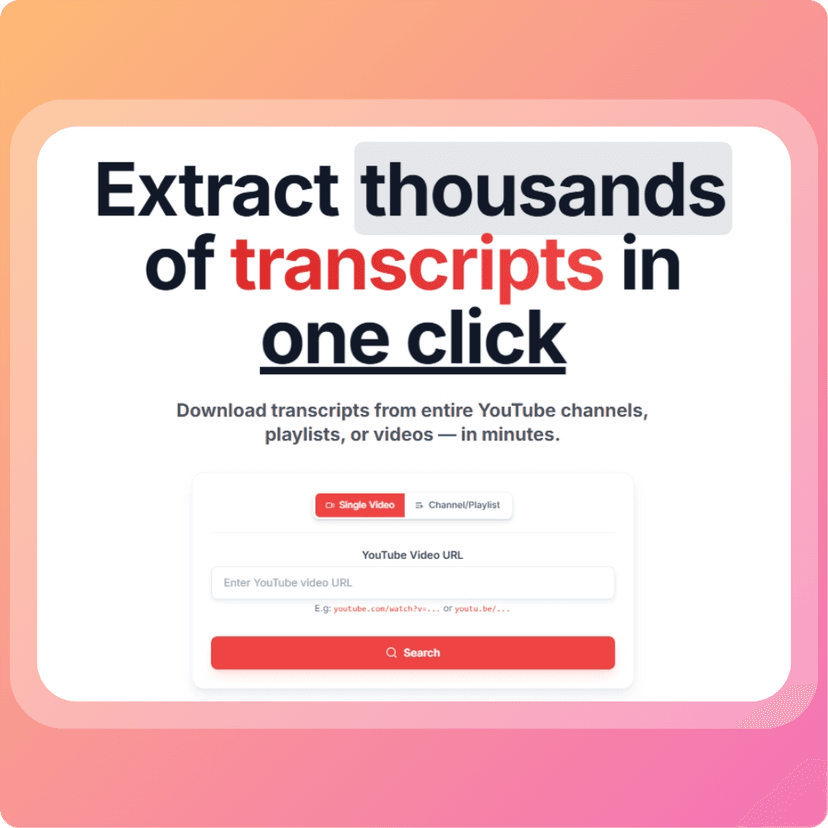
Here’s how I’ve used Transcribr in real tasks, and the flow it follows:
- Import / select videos, playlists, or channels. You can feed in a YouTube link or point it to a playlist/channel and it gathers the videos.
- Transcript extraction runs automatically—sometimes within seconds for shorter videos, more for longer ones.
- AI Chat & Summaries: Once transcript is ready, there’s an interface to ask questions (“What were the main points?”, “What did the speaker say about X?”, etc.). It also can generate summaries of videos or entire playlists, which helps for getting the gist fast.
- Export & reuse: After editing or checking (since sometimes transcripts need clean-up), you can export the transcript as TXT or JSON. Maybe use it in video captions, blog posts, or content research tools.
- Bulk processing: One of the big time-savers is handling many videos at once. Instead of doing each video manually, I used it to pull transcripts from an entire playlist, extract key ideas, then pick which videos to base content pieces on.
My Personal Experience
Here’s what I noticed after repeatedly using Transcribr:
- Speed: For short to medium-length videos (5-15 mins), transcripts come back fast. For hour-long videos or dense content, there’s more waiting, but still much less than manual methods.
- Accuracy: Good, though not perfect. Background music, accents, or ambient noise sometimes muddy the transcript. But the AI chat helps; you can ask clarifying questions and it reasonably infers.
- Chat & Summary Utility: The ability to ask questions of transcripts is a lifesaver. Instead of scanning text, I could get summaries or pull out sections that matter.
- Bulk Workflow: Used it to sift through a playlist of 20 videos to find clips about a specific topic. Previously that might take hours of watching; with Transcribr, I got rough transcripts, search-find, then sketched content ideas in a couple of sessions.
- Interface & Usability: Simple, clean, minimal. Sometimes minor delay or lag with longer transcripts, but manageable. Overall, user experience is smooth.
Pricing
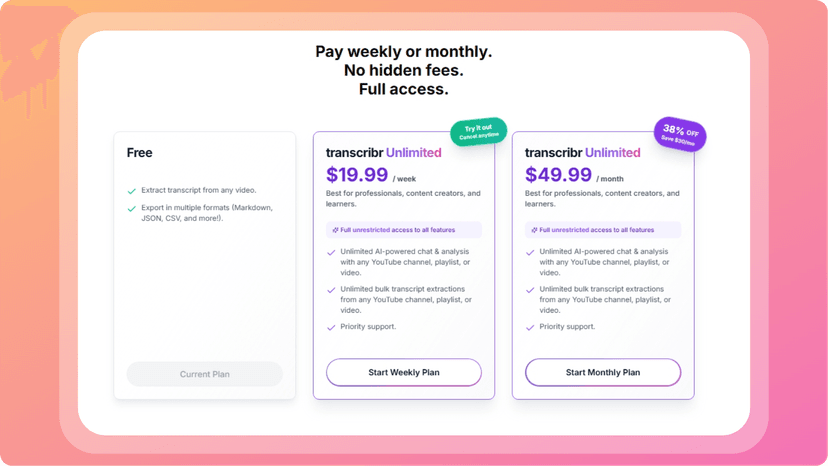
Here are the pricing details I found, and how they work in practice:
- Unlimited Plan: $19.99/week — full access to transcript extraction, AI chat, summaries, and exports.
- Free Tier: bulk transcript downloads with some limits, enough to try it out.
So, you can use it lightly with the free features, but if you're going to be transcribing many videos weekly or need the chat & analytics strongly, the paid “Unlimited” weekly plan is what unlocks everything. For someone producing video content regularly, it’s not cheap, but the time saved can justify it.
Pros and Cons
Pros:
- Bulk extraction from channels/playlists — huge time saver
- AI-powered chat & summaries make content easier to digest without watching everything
- Clean export formats (TXT, JSON) so you can reuse or repurpose content
- Free tier allows trying it out before paying
- Lo-friction setup: no heavy editing needed to get started
Cons:
- Transcript accuracy drops if video has heavy background noise, overlapping speakers, or accents
- Weekly subscription pricing can add up if you're only using it occasionally
- Sometimes latency with large uploads or very long videos
- No permanent offline mode or heavy video editing features built in
Conclusion
Overall, Transcribr is one of the more compelling tools I’ve used for turning YouTube content into usable, searchable text + insights. If you’ve tried tools like LyricEdits for making media content more usable (video-lyrics etc.) or Monster Generator for creative visuals, Transcribr fits into that same “extract value from existing media fast” niche—but for spoken content and video.
If your work involves bulk video content (education, content repurposing, research, social media), Transcribr can dramatically cut down your workload and help you find the gems in long content without watching all of it. For consistent users, the unlimited plan is a worthy investment.