If you're a musician or producer who’s ever stared at a blank video timeline, dreading the hours of lyric syncing, font styling, and visual coordination – LyricEdits will feel like a creative superpower. I came across it while prepping promotional content for a new single, and it quickly became one of the fastest ways to generate visually appealing, share-worthy lyric videos with almost no friction.
What I appreciated most was that it didn’t feel like a shortcut. It actually elevated my content instead of just automating it. From smart transcription to fast rendering and custom visual tweaks, LyricEdits packs a punch without ever overwhelming you with complexity.
What is LyricEdits?
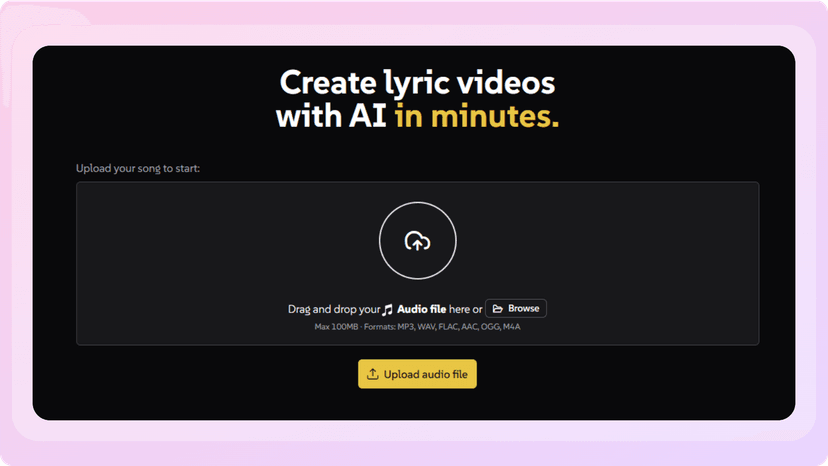
LyricEdits is an AI-powered lyric video maker designed to take the hassle out of video creation for musicians. Unlike traditional video editors, which require time, software knowledge, and technical finesse, LyricEdits strips things down to what matters: your music, your lyrics, and visuals that match your sound.
At its core, it's a tool that automatically transcribes lyrics from your song, matches them to the beat, and then builds an animated visual experience around those words. But what sets it apart is the level of control you still have – it's not a black box. You can change the fonts, styles, transitions, and even dive into more advanced editing later if needed.
Whether you’re prepping Instagram teasers, YouTube lyric videos, or TikTok snippets, LyricEdits gives you a high-quality base to build from. And for artists who don’t want to spend hours fiddling in After Effects or Final Cut, that’s a game changer.
How It Works
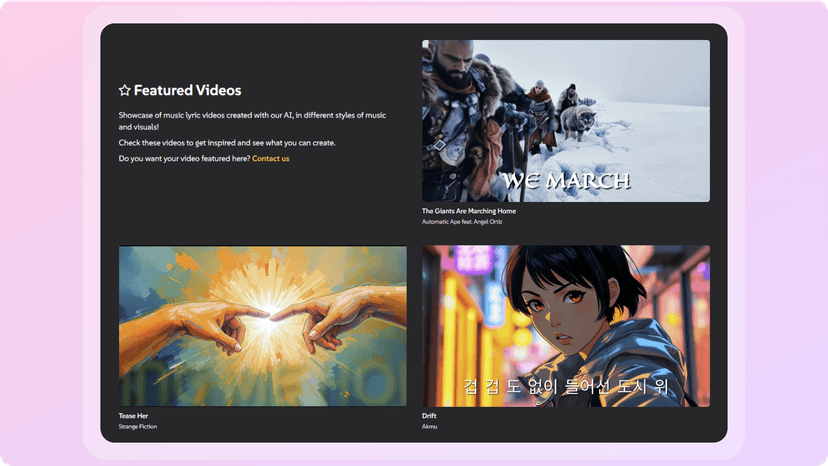
Using LyricEdits feels incredibly streamlined, but there’s a lot going on under the hood. Once you upload your audio file (I tested MP3s and WAVs), the tool transcribes your lyrics almost instantly. The sync accuracy is surprisingly good – even on faster rap verses or ambient pieces where lyrics are buried in the mix.
Then, the AI kicks in to craft visuals that complement the tone of your song. I tested a lo-fi track and a synth-heavy ballad, and both received backgrounds and text animations that felt emotionally in sync with the music. You can refine everything through a real-time editor – tweak font styles, adjust layout, change background visuals, and re-style the entire theme with just a few clicks.
Once you're happy with the result, the export process gives you options tailored to your use case. Whether it's a 9:16 TikTok clip or a full 16:9 video for YouTube, it's all ready to go without needing to adjust aspect ratios or re-render scenes manually.
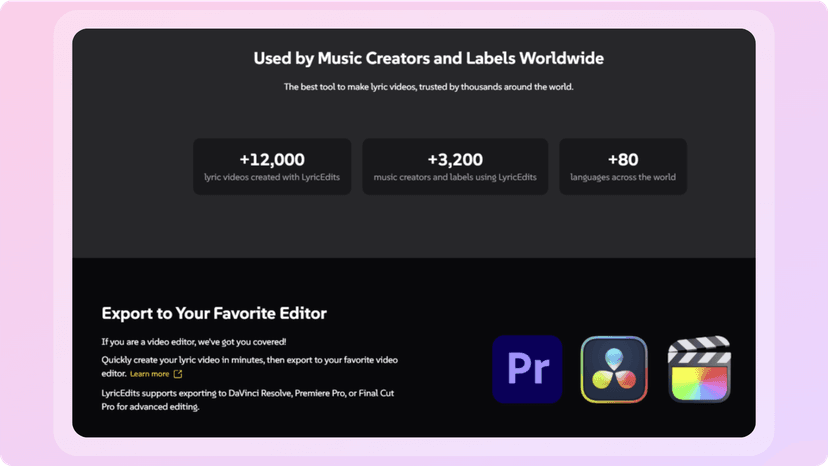
For those who want to take it a step further, LyricEdits even lets you export projects into Premiere, DaVinci Resolve, or Final Cut Pro, so you're never boxed in. It gives you speed and flexibility in one neat package.
My Personal Experience
What really sold me on LyricEdits was how quickly I could iterate. I uploaded a track I’d just finished mixing and within two minutes had a full lyric video preview. Usually, I’d block off an entire evening to do something like this manually. Here, it felt like I had a visual artist working beside me who already understood my music’s vibe.
The first video needed a few tweaks – the font was a little too whimsical for my theme – but changing it out was immediate. I also experimented with different animation styles and was impressed by how polished even the default settings looked. Nothing felt cheap or rushed.
I also appreciated how export options were labeled clearly for different platforms. I didn’t have to worry about aspect ratios, frame rates, or formatting headaches. I could simply grab a TikTok version, a YouTube version, and a square version for Instagram – ready in minutes.
For a recent song drop, I used LyricEdits to generate a video teaser that outperformed my usual Canva-style graphics by a mile. Fans messaged asking how I made it – proof that good visuals still cut through.
Pricing
LyricEdits offers a credit-based system with a generous free tier and flexible paid plans:
- Free: $0/month - includes 300 credits, all standard features, full HD export, and no watermark.
- Creator: $39/month - 2,000 credits/month, full customization, commercial usage, and premium models.
- Pro: $99/month - 6,000 credits/month with advanced AI visuals, custom image uploads, and more export options.
- Unlimited: $149/month - 10,000 credits/month, base model unlimited video conversion, and the most flexibility.
- Enterprise: Custom pricing for agencies and record labels needing API and bulk production support.
Credits are used for generating videos, transcriptions, and scene animations. Plans are well-scaled, and the free tier is generous enough to get a full taste of the tool.
Pros and Cons
Pros:
- Lightning-fast lyric sync and visual generation
- Easy-to-use real-time editor with full customization
- Ready-made export formats for TikTok, YouTube, and more
- Compatible with professional editing tools (Premiere, DaVinci, etc.)
- Very beginner-friendly, no prior editing experience required
Cons:
- Visuals can feel repetitive without manual tweaks
- Advanced users may want deeper animation control
- Credit model may confuse those unfamiliar with usage-based pricing
- Some style presets are better suited to certain genres over others
Conclusion
LyricEdits has become a staple in my music promotion workflow. It’s not just fast, it actually respects your creative vision while making it easier to produce high-quality visuals that resonate with your audience. If you're trying to maintain a consistent presence on social media or need visuals to go with your releases, this tool will absolutely save you time and stress.
It reminds me of the seamless utility of tools like Monster Generator for visual concept generation or Xavier AI, which turns ideas into business presentations. LyricEdits does the same for music: clean, fast, and focused on quality output.
For artists juggling music creation and visual storytelling, LyricEdits is a smart investment. It doesn’t replace your creativity, it frees it up to do more.