Introduction
Ever stared at your browser and thought, “What does ‘search Google or type a URL’ even mean?” You’re definitely not alone. Millions of people see that phrase every day, but most don’t really stop to think about how it works or why it matters.
Here’s a simple way to picture it: your browser is basically giving you two doors. One door opens into Google’s search engine; the other takes you directly to a specific website. Knowing which door to walk through makes your online life faster, smoother, and a whole lot safer.
In this guide, I’ll break it down in plain language no tech jargon so you can feel more confident using your browser, whether you’re on your phone, tablet, or computer.
What Does “Search Google or Type a URL” Mean?
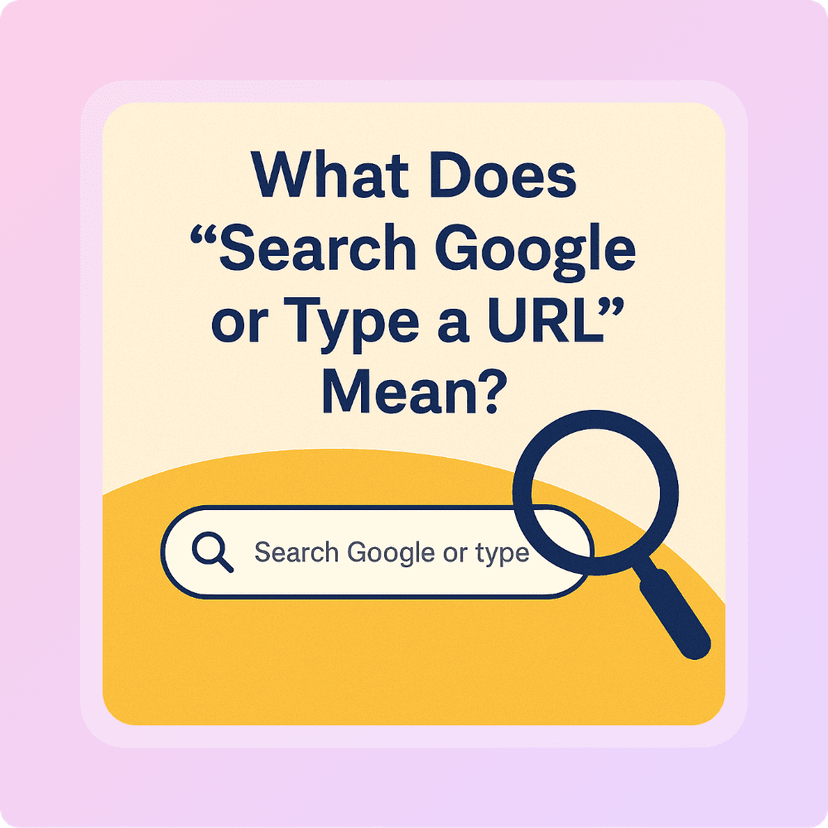
When you click on the address bar, you’ve got two choices:
- Search query: Words or phrases you want to look up, like
weather today. - Web address (URL): The exact “street address” of a site, like
www.weather.com.
If you just type words without www or .com, your browser assumes you want to search. But if you type a full URL, it skips the search and takes you straight to that site.
This works the same way whether you’re on a desktop, laptop, or mobile. The layout might look different, but the logic is always the same.
How Search Engines Work Behind the Scenes
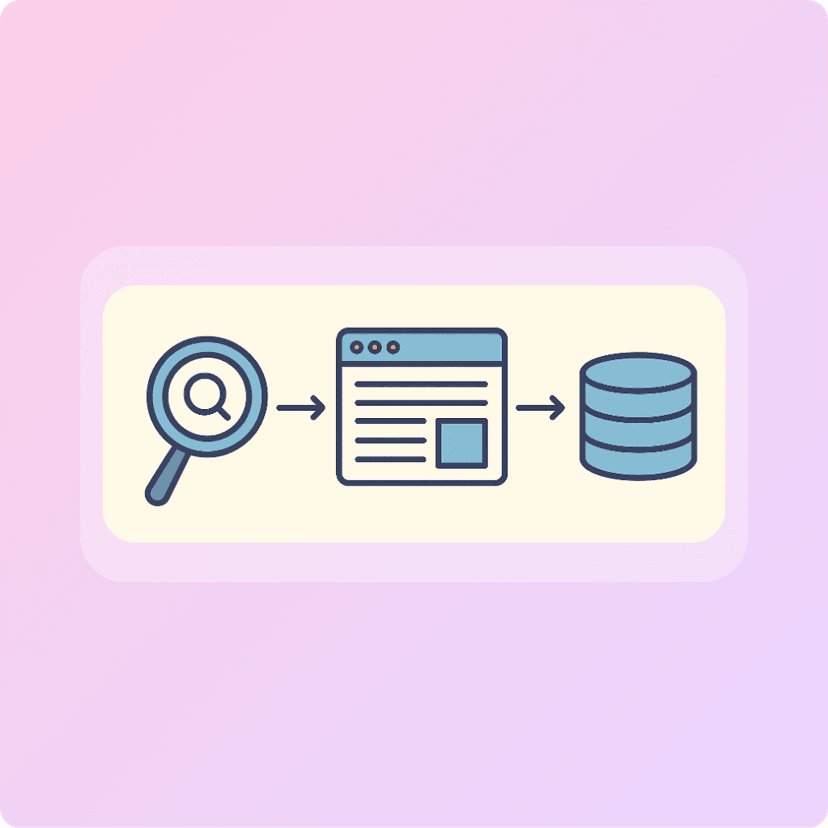
When you type something into Google, it’s not just guessing. Behind the scenes, it’s scanning billions of pages, matching your keywords, and ranking results based on relevance.
- Keywords matter: Typing
best pizza near meworks way better than writing a full sentence like “Where can I find the best pizza around here?” - Autocomplete helps: As you type, Google suggests popular searches. It’s like a shortcut to what most people are already looking for.
- Common mistakes: Beginners often type long sentences or forget to use keywords, which can confuse the search engine.
Think of Google like a librarian it needs clear keywords to find the right “book” for you.
Understanding URLs: The Internet’s Street Addresses
A URL is basically the mailing address of a website. It has three main parts:
- Protocol:
https://tells your browser how to connect. - Domain:
weather.comis the main name of the site. - Path:
/forecast/todaypoints to a specific page.
You’ll see common domains like:
.com— commercial sites.org— organizations.net— networks
Safety tip: Secure sites always start with https://. That little “s” means your connection is encrypted.
Watch out for sketchy links. For example, faceb00k.com (with zeros) is not the same as facebook.com. Scammers use tricks like this to fool people.
When to Search vs. When to Type a URL
Knowing when to search and when to type saves you time and keeps you safe:
- Search when you’re exploring recipes, news, or discovering new sites.
- Type a URL when you already know the site logging into your bank, shopping on Amazon, or checking social media.
Real World Examples
- Searching
best running shoes 2025helps you compare options. - Typing
www.nike.comtakes you straight to Nike’s store.
Be extra careful with typos. Mistyping a URL can land you on fake sites designed to steal your info (this is called phishing or typosquatting).
Tips for Smarter, Safer Browsing
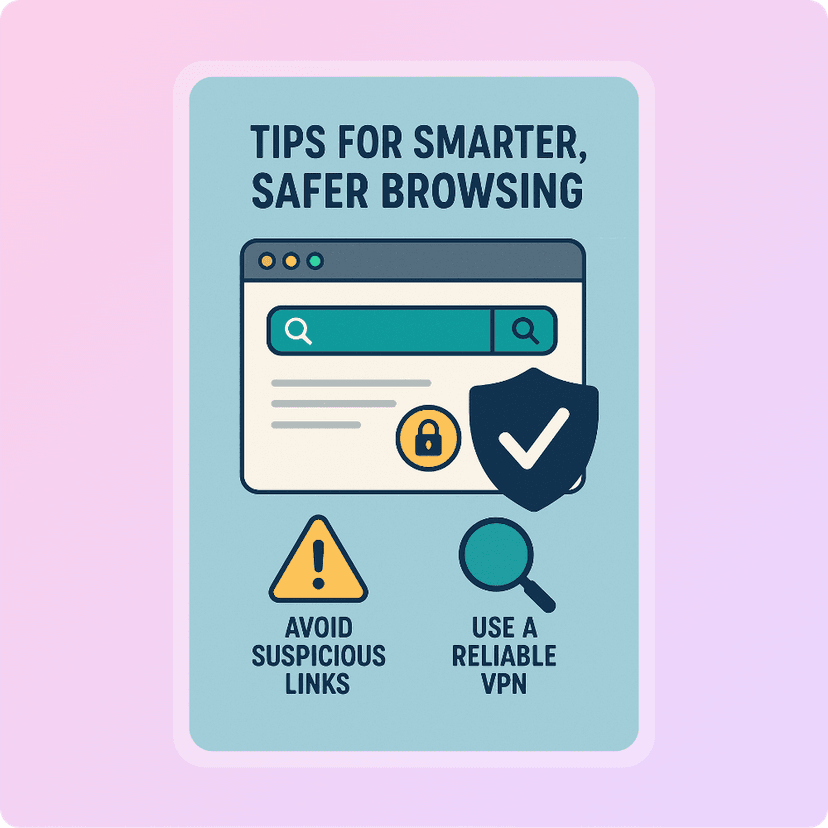
A few simple habits can make your browsing experience smoother and safer:
- Use bookmarks: Save your favorite sites so you don’t have to retype them.
- Learn shortcuts: Press
CTRL + L(Windows) orCommand + L(Mac) to jump to the address bar instantly. - Enable safe browsing: Chrome, Edge, and Safari all have built-in security features—make sure they’re turned on.
- Sync across devices: Sign in with your browser account so your bookmarks and history follow you everywhere.
These small steps add up to a big difference in how safe and efficient your browsing feels.
Conclusion
That little phrase “search Google or type a URL” isn’t some mystery. It’s just your browser giving you two powerful options. Whether you’re exploring something new or heading straight to a trusted site, knowing the difference helps you browse smarter and safer.
Next time you open your browser, try both approaches and notice how they shape your online journey.