
Most founders never wanted to be writers. You shipped a tool, got it live on Product Hunt, and now traffic depends on a content calendar nobody on the team owns. Autoblogging tools promise to close that gap, but most of them produce content that reads like it was generated by a committee of robots. This guide from AI Directories ranks seven options that actually deliver publishable drafts, so you can focus on building instead of blogging.
How We Picked These Tools
Not every autoblogging tool deserves a spot on a founder's shortlist. We filtered this list using five criteria that matter when you are shipping content for a real brand, not just filling a blog feed.
- Draft quality out of the box. Can you publish the output without a full rewrite? Tools that need heavy editing defeat the purpose.
- Publishing automation. Does it connect to your CMS and push content live, or does it dump a Google Doc in your inbox?
- SEO awareness. Keyword targeting, internal linking, and meta data should be handled automatically, not left as manual steps.
- Pricing honesty. No hidden per-article fees, no bait-and-switch upgrades, no "contact sales" gates on core features.
- Founder fit. Solo operators and small teams need tools that run without a content strategist managing the queue.
If you are still exploring the broader AI tools directory, these criteria will help you filter noise from signal in any category.
Quick Comparison
| Tool | Best For | Starting Price | CMS Publish | Quality Gate |
|---|---|---|---|---|
| The SEO Agent | Full-pipeline automation with brand safety | $99/mo | Yes | Yes |
| AutoBlogging.ai | Budget WordPress autoblogging | $19/mo | WordPress only | No |
| Journalist AI | News-style content with editorial tone | $59/mo | Yes | No |
| ContentBot.ai | Marketers who want partial automation | $29/mo | Limited | No |
| RankReady | Local SEO city/region pages | $49/mo | Yes | No |
| Outrank.so | Programmatic SEO volume plays | $79/mo | Yes | No |
| BabyLoveGrowth.ai | Backlink exchange bundled with content | $99/mo | Yes | No |
1. The SEO Agent
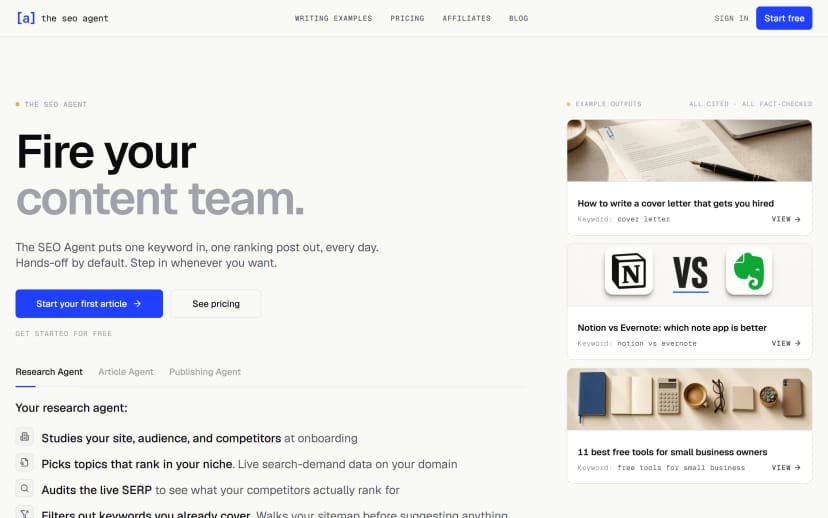
The full pipeline run by an agent that refuses to publish bad drafts.
The SEO Agent handles the entire content-to-publish pipeline from keyword research through publishing. It pulls live keyword data from DataForSEO (not estimates), builds outlines, drafts with Anthropic's Claude, runs a quality gate, and publishes to your CMS. The quality gate is the differentiator: if a draft does not meet editorial standards, it gets blocked before it reaches your site. No other tool on this list does that.
Pricing is flat. $99 per month, no per-article fees, no usage caps that matter for a normal publishing cadence. There is a $1 three-day trial with real in-app cancellation, not a "email support to downgrade" workflow. Two side tools are also free without a signup: a live SEO audit that grades any URL in seconds, and a curated free backlinks directory covering 100+ submission targets ranked by DR.
- Full keyword research pipeline with real search volume data
- Automated quality gate that blocks weak drafts before publishing
- Supports WordPress, Webflow, Shopify, Wix, Ghost, and webhook targets
- Internal linking handled automatically from your sitemap
- $1 trial with instant cancellation
Best for: Indie founders who want articles shipping weekly without sacrificing brand voice.
Pricing: $99/month, $1 three-day trial.
2. AutoBlogging.ai

Budget option that publishes to WordPress.
AutoBlogging.ai sits at the low end of the price spectrum and targets WordPress users who want volume over polish. You feed it keywords, it generates posts, and it pushes them to your WordPress site through the REST API. The output quality varies significantly. Some posts are passable for low-competition informational queries, while others need substantial editing before they represent a real brand.
The tool works best as a testing ground, especially if you are browsing AI tool deals before committing to a higher tier. If you are curious whether autoblogging fits your workflow but do not want to commit $99 per month to find out, AutoBlogging.ai lets you experiment cheaply.
- WordPress integration via REST API
- Bulk generation for high-volume keyword lists
- Basic SEO meta fields (title, description)
- AI image generation included
- Limited control over tone and brand voice
Best for: Founders testing the autoblog category before paying for quality.
Pricing: From $19/month.
3. Journalist AI
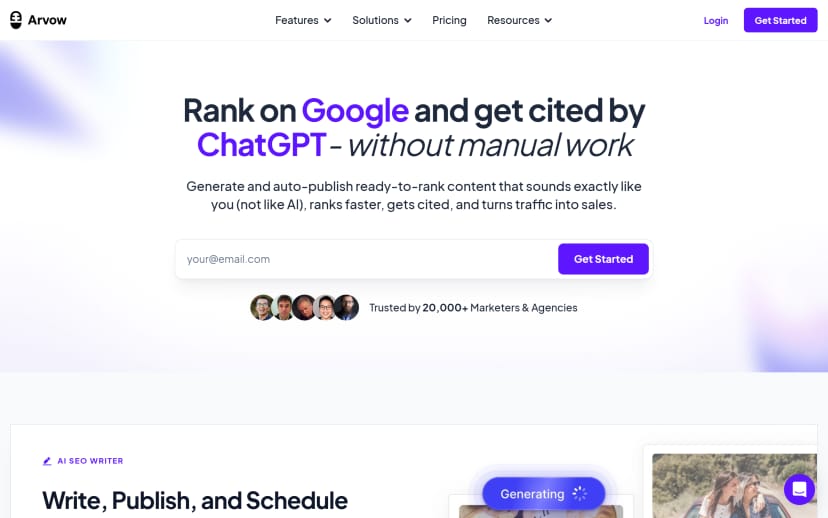
News-style autoblogger with a sharper editorial voice.
Journalist AI leans into a news-desk editorial style that works well for aggregator sites and industry newsletters. The output reads closer to a news brief than a typical AI blog post, which makes it a strong fit for niches where freshness matters more than depth. It supports multiple CMS targets and can pull from RSS feeds to generate commentary on trending topics.
The weakness is depth. Long-form guides and comparison posts tend to feel thin compared to tools that build from keyword research data. For quick-turn content tied to current events, though, Journalist AI holds its own. You can browse content generation tools by category to see where this style of tool fits alongside other options.
- News-style editorial tone built into the model
- RSS feed integration for trending topic generation
- Multi-CMS publishing (WordPress, Shopify, Webflow)
- Scheduled publishing with calendar view
- Auto-generated social snippets
Best for: Industry newsletters and aggregator sites where freshness is the product.
Pricing: From $59/month.
4. ContentBot.ai
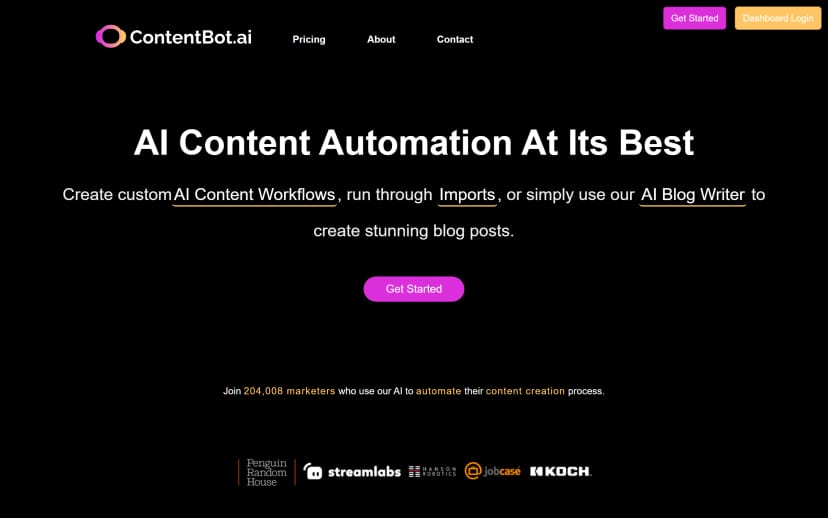
The marketer's workbench with autoblog bolted on.
ContentBot started as a general-purpose AI writing tool and added autoblogging as a feature rather than building around it. The result is a broad toolkit that covers landing pages, ad copy, email sequences, and blog posts. The autoblog feature works but feels secondary to the core product. You get keyword input, draft generation, and basic scheduling.
The upside is flexibility. If you need more than just blog content, ContentBot gives you one subscription covering multiple content types. You can filter by specific content tags to compare how other tools handle the same workloads. The downside is that no single feature gets the same depth of attention as a purpose-built autoblogger.
- Broad content type coverage (blogs, ads, emails, landing pages)
- Autoblog scheduling with keyword targeting
- Paraphrasing and rewriting tools included
- Team collaboration features
- API access on higher tiers
Best for: Marketers who want partial automation, not full delegation.
Pricing: From $29/month.
5. RankReady
Local SEO autoblogger for service businesses.
RankReady targets a specific niche: service businesses that need per-city or per-region content pages. Think "plumber in Austin" or "roof repair in Denver." The tool generates location-specific content at scale, which is a workflow that most general autobloggers handle poorly. It understands local SEO signals like NAP consistency, service area pages, and geo-modified keywords.
If you are building a SaaS product, this is probably not your tool; check other tool categories instead. But if you run or serve local service businesses, the city-page generation alone justifies the subscription. The content quality is adequate for local search, where competition tends to be lower than national informational queries.
- Per-city and per-region content generation
- Local SEO signal optimization (NAP, schema)
- Geo-modified keyword targeting
- Bulk city-page creation from templates
- Google Business Profile integration
Best for: Service businesses publishing per-city or per-region content.
Pricing: From $49/month.
6. Outrank.so
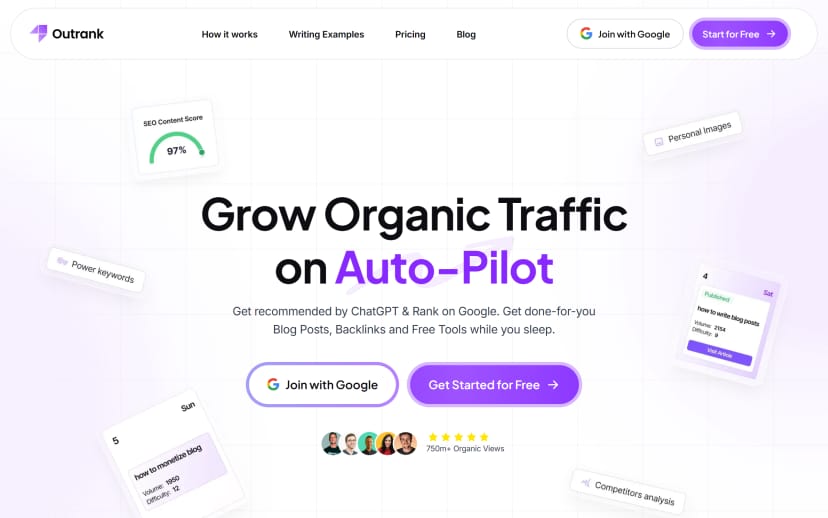
High-volume autoblogger for programmatic plays.
Outrank focuses on volume. It can generate and publish dozens of articles per day, which makes it a fit for programmatic SEO strategies where the goal is to index as many keyword-targeted pages as possible. The content quality is functional but rarely distinctive. Articles check the SEO boxes without building brand voice or reader trust.
The pricing model scales with volume, and the upgrade path can feel aggressive. Users report that the upsell flow prioritizes getting you onto higher tiers quickly. For pure volume plays where indexed page count is the metric, Outrank delivers. For brand-building content, look elsewhere on this list. You can compare alternative tools to see how other options stack up for different use cases.
- High-volume batch publishing
- WordPress, Webflow, and Shopify integrations
- Programmatic SEO templates
- Internal linking automation
- Backlink exchange network (separate feature)
Best for: Programmatic SEO sites where indexed volume beats brand voice.
Pricing: From $79/month.
7. BabyLoveGrowth.ai
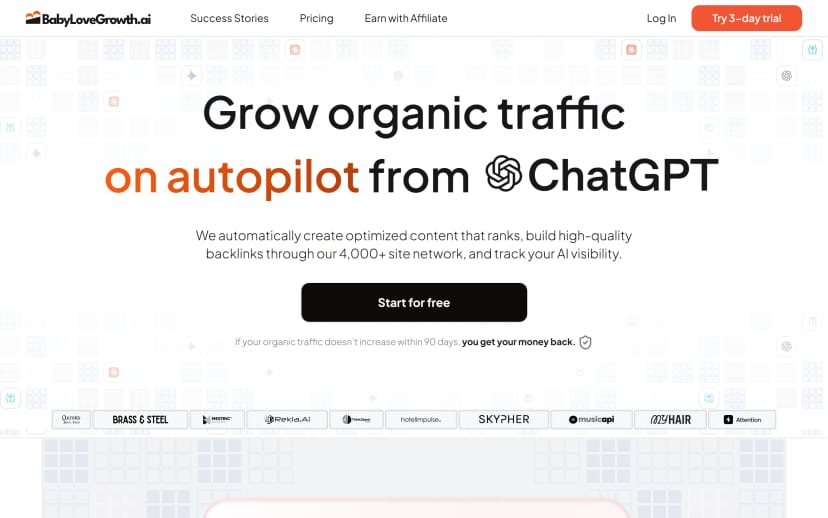
Autopilot with a private backlink-exchange network bundled in.
BabyLoveGrowth bundles content generation with a backlink exchange network, positioning itself among partner-driven AI tools in the space. The idea is that subscribers trade backlinks with other users in the network, building domain authority alongside content volume. The content generation itself is comparable to Outrank in quality, meaning functional but not editorial-grade.
The backlink exchange is the real pitch. If you are a SaaS team that wants link building running in the background without manual outreach, this bundled approach saves time. The risk is that Google's spam detection has gotten significantly better at identifying link exchange networks, so the long-term value of those links is uncertain.
- Content generation with auto-publish
- Private backlink exchange network
- LLM visibility tracking (monitors AI search citations)
- Reddit distribution agent (beta)
- Dashboard for tracking link acquisition
Best for: SaaS teams that want backlink trades running in the background.
Pricing: From $99/month.
How to Pick the Right One
Choosing an autoblogging tool comes down to what you are optimizing for. Here is a quick decision framework.
- If content quality is your top priority, pick a tool with a quality gate. Publishing bad content is worse than publishing nothing, because it trains Google to devalue your domain.
- If budget is tight, start with AutoBlogging.ai or ContentBot.ai at the lower price points. Upgrade once you have validated that autoblogging fits your workflow.
- If you need local SEO pages, RankReady is purpose-built for that use case and nothing else on this list matches it.
- If volume is the strategy, Outrank and BabyLoveGrowth push the most pages per month, but expect to trade quality for speed.
- If you want one tool and no management overhead, look for end-to-end automation from keyword research through publishing with editorial controls built in.
The blog archive covers more detailed breakdowns of individual tools if you want to dig deeper before committing.
Frequently Asked Questions
Can autoblogging tools replace a human content writer?
For informational blog posts targeting long-tail keywords, yes. Most tools produce drafts that rank for low-competition queries without human editing. For brand-voice content, thought leadership, or high-competition terms, you will still want a human review step or a tool with a quality gate.
Will Google penalize autoblogged content?
Google penalizes low-quality content regardless of how it was created. The risk is not automation itself but publishing thin, duplicated, or unhelpful articles at scale. Tools with editorial filters reduce this risk significantly compared to tools that publish everything they generate.
How many articles per month should a founder publish?
Four to eight articles per month is a reasonable starting cadence for most founder-led SaaS blogs. Consistency matters more than volume. Publishing two solid articles per week beats publishing twenty mediocre ones in a single batch.
Do autoblogging tools handle internal linking?
Some do, some do not. Tools that crawl your sitemap and insert relevant internal links automatically save significant manual work. Others generate standalone posts with no awareness of your existing content, leaving internal linking as a manual task.
What CMS integrations should I look for?
At minimum, your tool should support WordPress or your current CMS through a native integration. Webhook support is a strong fallback for custom setups. Avoid tools that only export to Google Docs or plain text, as the manual publishing step defeats the automation benefit.
Autoblogging in 2026 is a mature category with real differences between tools. If you want an agent that handles the full pipeline from keyword research to publishing while blocking bad drafts before they go live, AI Directories can help you find the right fit. Pick the tool that matches your content strategy, test it for a week, and let the output speak for itself.