



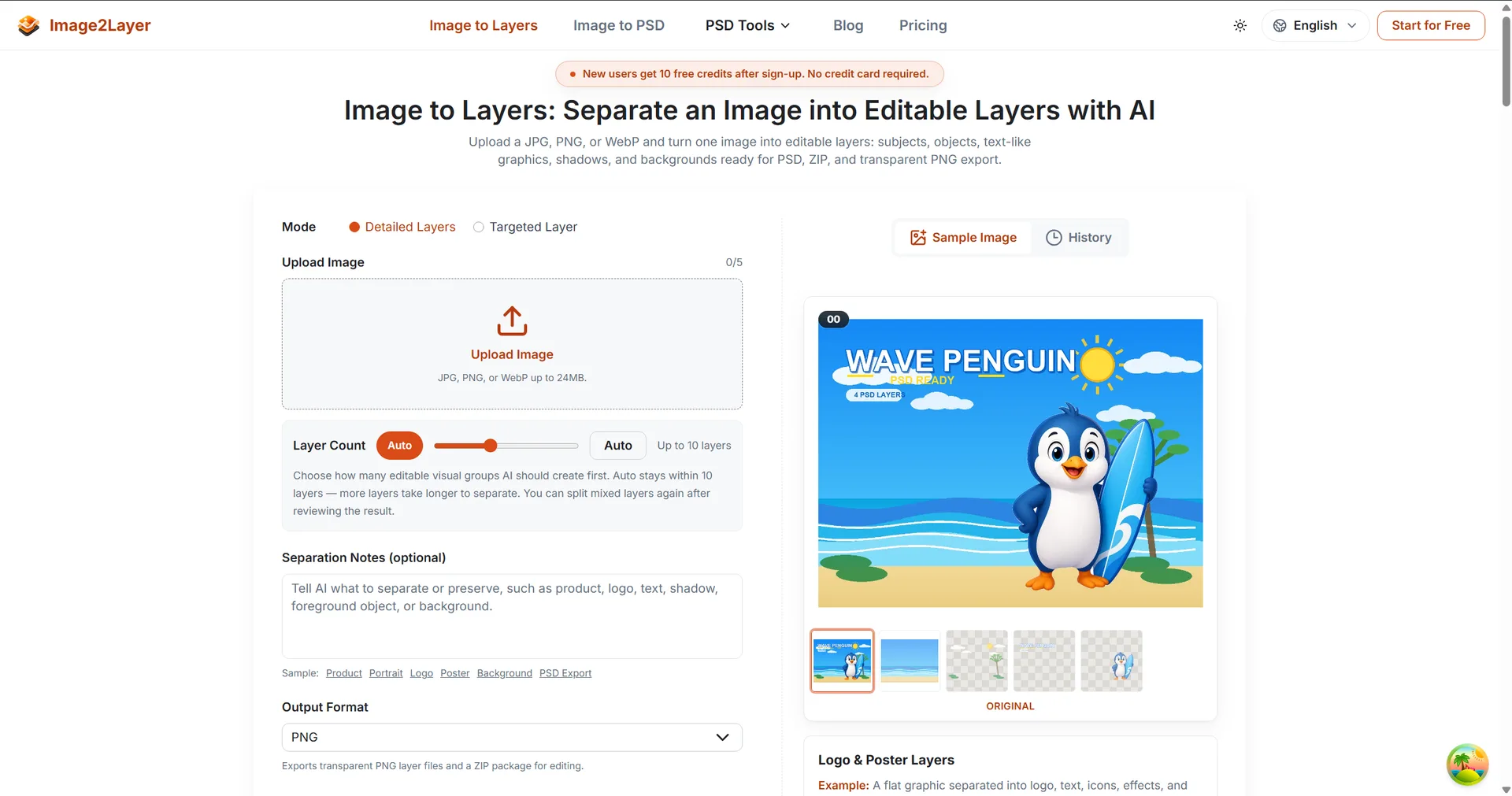
Semantic Layer SeparationDetect major subjects, objects, text, shadows, and backgrounds, then convert them into independently editable layers.Background ReconstructionRebuild hidden areas behind foreground elements so you can move or remove objects without leaving empty gaps.PSD & PNG Layer ExportExport a layered PSD f

Description: Effortlessly separate any image into editable components using the AI-powered Image to Layers Tool. Upload JPG, PNG, or WebP files to generate up to 10 distinct layers, then instantly export your results as a layered PSD, transparent PNGs, or a convenient ZIP file fo...
Tool stats
Domain authority, AI visibility, directory reach, and listing owner
What you get
Key features
Capabilities that define this tool
AI Segmentation
Uses artificial intelligence to automatically split your image into separate, editable parts.
Multi Format Support
Lets you upload common image files like JPG, PNG, and WebP.
Layer Generation
Creates up to 10 distinct layers from a single flat image.
PSD Export
Saves your work as a professional layered file for easy editing in Photoshop.
Transparency
Provides your results as individual transparent PNGs.
Bulk Export
Packages all your layers into a single ZIP file for quick downloading.
Common questions
Frequently asked questions
Quick answers about this tool
Community voice
Reviews for Image to Layers Tool
One honest review per account — rating required, comment optional.
Latest reviews
More to explore
Featured tools
Related and featured listings from the same category









AI Directories
Join our newsletter
Daily AI news, new tools, directories, and deals — fresh in your inbox every day.






Trusted by 1000+ founders