



A grayscale image is a digital image in which each pixel carries only a single intensity value representing how bright it is. Unlike color images — where every pixel stores separate red, green, and blue (RGB) channels — a grayscale pixel uses just one channel with 256 possible shades, ranging from 0 (pure black) to 255
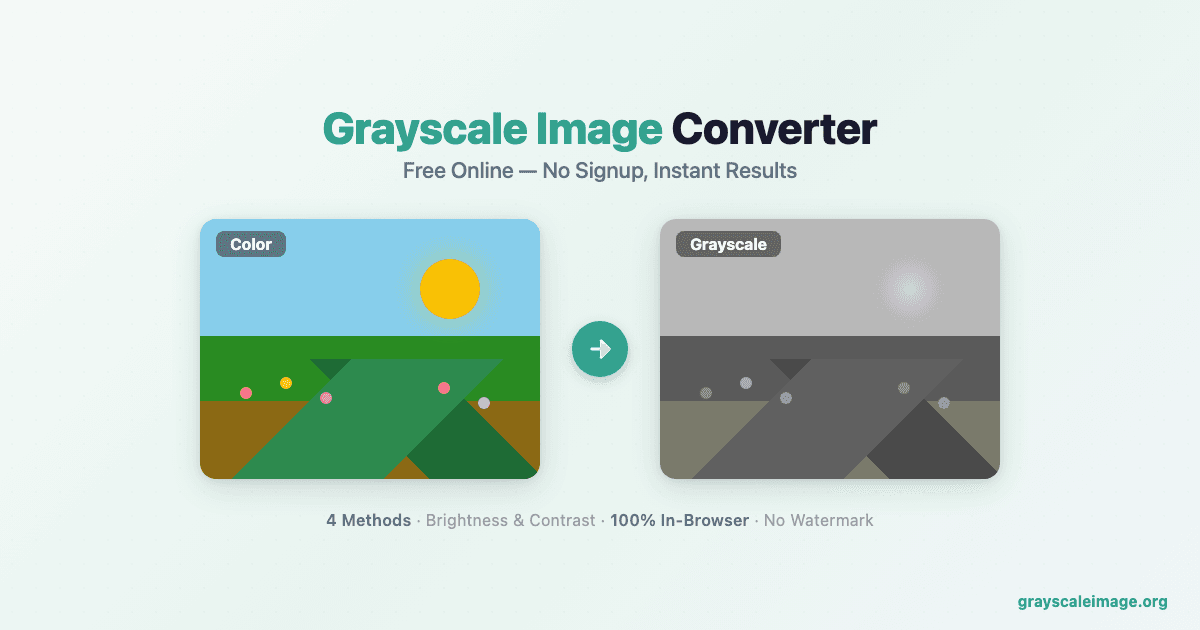
Grayscale Image is a free, browser-based image conversion toolkit It offers 15+ specialized tools — grayscale conversion, desaturation, sepia filter, duotone effect, dithering, halftone, posterize, solarize, pixelate, blur, noise, color tint, vintage filter, black & white convert...
Tool stats
Domain authority, AI visibility, directory reach, and listing owner
What you get
Key features
Capabilities that define this tool
Color to Black and White
Turns your colorful pictures into black and white ones.
AI Powered
Uses smart technology to make the conversion look good.
Instant Effects
Gives you black and white versions super fast.
Classic Look
Creates a timeless black and white style.
Artistic Effects
Helps you get creative with the look of your photos.
Easy to Use
Simple to convert images without complex settings.
Common questions
Frequently asked questions
Quick answers about this tool
Community voice
Reviews for Grayscale Image
One honest review per account — rating required, comment optional.
Latest reviews
More to explore
Featured tools
Related and featured listings from the same category









AI Directories
Join our newsletter
Daily AI news, new tools, directories, and deals — fresh in your inbox every day.






Trusted by 1000+ founders