



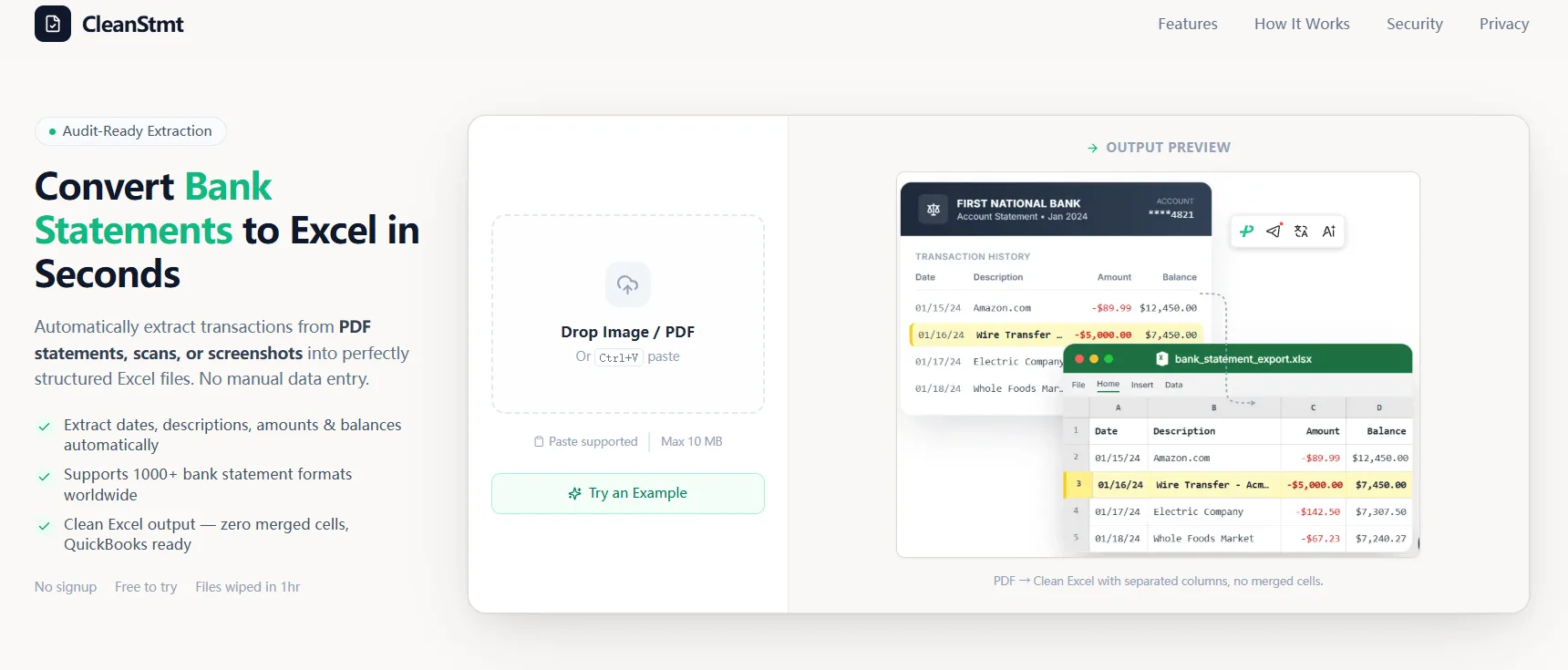
Bank Statement to Excel & QuickBooks CSV Converter is an AI-powered tool that automatically extracts transaction data from PDF bank statements, scans, or screenshots and converts them into clean, reconciliation-ready Excel and QuickBooks CSV formats. It eliminates merged cells and ensures stable column structures for s

# Bank Statement to Excel & QuickBooks CSV Converter CleanStmt is a privacy-first, AI-powered financial utility that instantly converts PDF bank statements, tax documents, and scanned receipts into clean, editable Excel or CSV formats. Key Features: 100% Free & No Registration: S...
Tool stats
Domain authority, AI visibility, directory reach, and listing owner
Domain rating
3DR
AI Visibility
—
Submissions
0directories
We submit for youOwner
tommy
AI tool owner
What you get
Key features
Capabilities that define this tool
PDF to Excel Conversion
Turns your PDF bank statements into clean Excel files you can actually use
QuickBooks Compatible
Creates CSV files that work perfectly with QuickBooks without any fussing
Auto Data Extraction
Pulls out all the transaction data automatically so you don't have to do it manually
Clean Formatting
Removes messy merged cells and gets everything into proper columns
Bank Reconciliation Ready
Gets your data organized so reconciling with your bank is quick and painless
Preserves Data Integrity
Makes sure all your transaction info stays accurate through the conversion
AI Powered
Uses smart technology to understand and properly format different bank statement layouts
Common questions
Frequently asked questions
Quick answers about this tool
Community voice
Reviews for cleanstmt
One honest review per account — rating required, comment optional.
Latest reviews
More to explore
Featured tools
Related and featured listings from the same category









AI Directories
Join our newsletter
Daily AI news, new tools, directories, and deals — fresh in your inbox every day.






Trusted by 1000+ founders